Carrying a Satellite Messenger Into the Highlands
A ride through Cape Breton’s Highlands can move from open road to a quiet, wooded trail where your phone has no signal—and a breakdown or injury can quickly become more stressful when you cannot call for help. This guide explains how to choose, set up, carry, and use a satellite messenger on remote Nova Scotia ATV and UTV rides, without treating it as a substitute for careful planning.
Why bring a satellite messenger on a Highlands ride
Cell service can disappear when you need it most
Mobile coverage in rural Nova Scotia is uneven, and remote trail sections may have little or no usable signal. In the Cape Breton Highlands, a phone that worked near a community or highway can lose service after you turn onto a wooded corridor. Weather, terrain, tree cover, and your carrier can all affect whether a call or text gets through.
That gap matters if someone gets hurt, a machine breaks down, or your group becomes separated. You might not need emergency help at all, but even a simple message saying “we’re stopped and delayed” can prevent a worrying wait at home. The important thing is not to assume that a phone will work just because you had signal at the trailhead.
Before setting out, read Cell Dead Zones in the Highlands and consider where your route passes near roads, communities, or other likely contact points. A map showing a road nearby does not guarantee that your phone will connect from the trail.
What a satellite messenger can and cannot do
A satellite messenger communicates through satellite networks rather than relying only on cellular service. Depending on the device and service plan, it may let you send preset check-in messages, exchange two-way messages, share your location, or request emergency assistance. Features vary, so read the device instructions and service details before relying on any function.
It is not a magic rescue button. A message can take time to send, the device may need a clear view of the sky, and poor positioning or a depleted battery can interfere with use. Emergency response also depends on the circumstances, the provider’s procedures, and responders’ ability to reach your location. Keep your phone, first-aid supplies, and practical recovery gear with you as well.
| Option | Useful for | Main limitation |
|---|---|---|
| Mobile phone | Calls, texts, maps, and photos where service is available | May be unable to connect in remote areas |
| Satellite messenger | Check-ins, messaging, location sharing, or emergency requests, depending on the device | Requires preparation, power, and suitable satellite access |
| Satellite phone | Voice calls through satellite service, depending on the model and plan | Needs clear use conditions and familiarity with the device |
| Paper map and route notes | Navigation context and backup when electronics fail | Cannot send your location or call for help |
A satellite messenger complements—not replaces—route planning, first aid, and sound judgment. If you already use onX Offroad for route research, remember that an offline map and a satellite communication device serve different purposes: a map can help you follow a route, but it does not itself send an SOS or message.
Choosing and preparing a device
Match the device to the kind of riding you do
For a short ride on a familiar route, you may mainly want a reliable way to send an “all is well” message and share your location. On a longer ride far from communities, two-way messaging and emergency alert features may be more valuable. If your group travels in separate machines, location sharing can also help riders regroup after a delay or an unexpected detour.
Think through the situations you want to handle. Would you need to tell someone that a machine has a mechanical problem but nobody is injured? Would you want to message a riding partner who has fallen behind? Do you need an emergency alert function that works when you cannot explain what happened? These questions help you compare devices more usefully than choosing by appearance or a long feature list.
Check whether the device requires a subscription or an active service plan, and review what each plan supports before you head out. Do not assume that every model includes the same messaging, tracking, or emergency features. Ask how the emergency function works, what information gets sent, and whether the device can receive a reply.
Activate, test, and charge it before leaving
Set up your device at home, where you have time to read the instructions rather than trying to learn the controls at a trailhead. Activate the service if required, enter the correct contact details, and send a test message using the provider’s recommended procedure. Confirm that the intended contact receives it and understands what your preset messages mean.
Charge the device fully and bring a suitable backup power source if the outing is long. Cold weather, frequent location updates, and repeated messaging can affect battery life, so follow the manufacturer’s guidance rather than assuming a charge will last for a particular number of hours. Keep the device accessible; a fully charged messenger buried beneath tools and spare clothing is not much help when you need it quickly.
Learn the difference between a routine check-in and an emergency alert. Show every rider who might need to use the device how to operate it, especially if one person is carrying the only messenger. For a deeper look at route preparation and supplies, see Packing for a Full Day on a Coastal Trail.
Place it where it can communicate
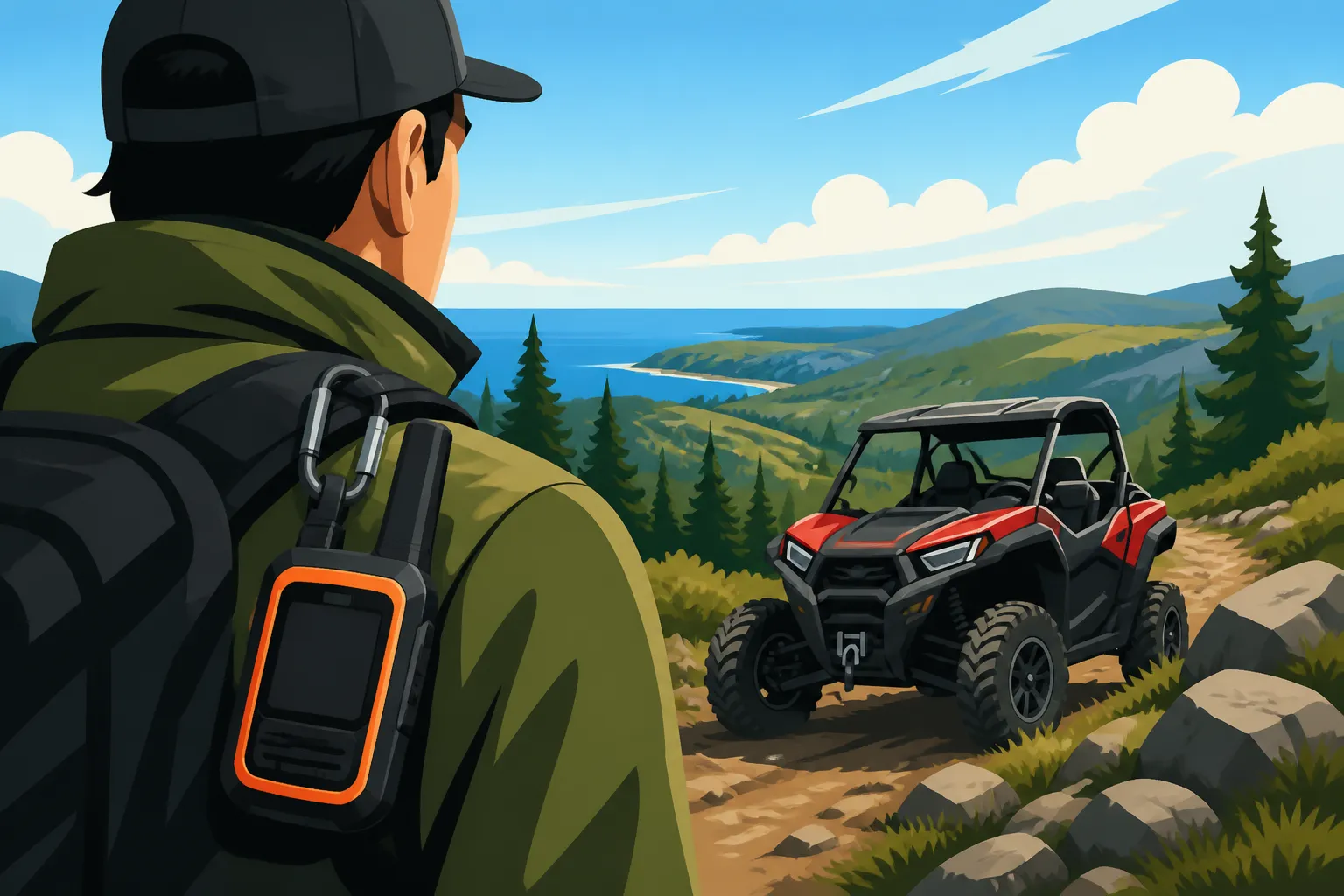
Satellite devices generally need a relatively open view of the sky to communicate reliably. A messenger buried inside a closed storage compartment, under a metal roof, or beneath layers of gear may have more trouble sending a message than one carried where it can connect. Follow the device’s carrying instructions and choose a secure, accessible position that will not interfere with safe riding.
Do not mount or carry the device in a way that creates a snag hazard, blocks controls, or risks losing it in mud or a rollover. A secure pocket or manufacturer-approved attachment may work better than leaving it loose on a rack. If you stop to send a message, move to a safe place off the active riding line and give the device time to establish a connection.
A messenger’s location-sharing feature is only useful if the device is powered on and able to send updates. Explain to your contact how often you intend to check in and what to do if an update does not arrive. A missing message could mean a dead battery, a delayed ride, or a communication problem—not necessarily an emergency—but a clear plan helps prevent confusion.
Building satellite communication into your ride plan
Share a realistic itinerary before departure
Tell a trusted person where you plan to ride, when you expect to finish, and when they should contact you if you have not checked in. Include your trailhead, route or destination, the machines and riders in your group, and a backup plan if you change course. If you expect to ride near places such as Cheticamp or the Margaree area, name the intended route clearly rather than relying on a vague description like “somewhere in the Highlands.”
Use a check-in schedule your group can actually follow. For example, agree to send a message at the start, at a planned break, and when you finish. Make sure your contact knows whether a missed check-in calls for waiting, trying your phone, contacting another rider, or seeking further help. Do not ask them to make assumptions based on a single delayed message.
Route plans change. If you take a different trail, stop for a mechanical issue, or decide to turn back, send an update when it is safe and possible. Keeping your plan current can make a major difference to someone trying to work out where you might be.
Download maps and check access before riding
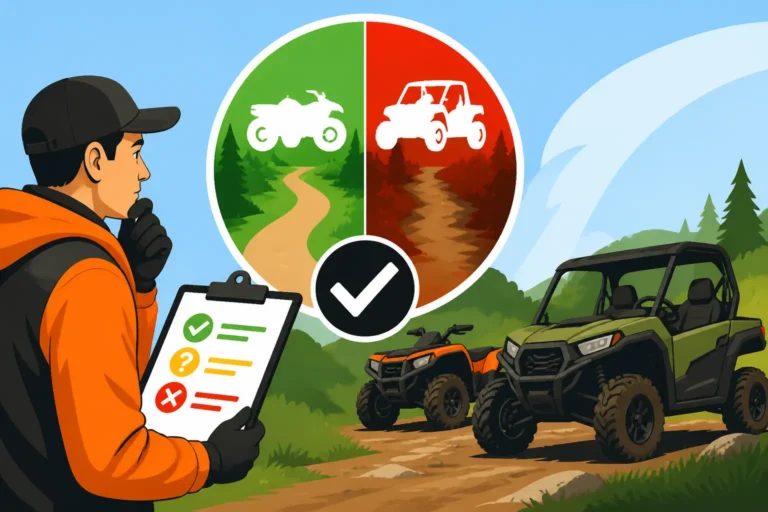
A satellite messenger helps with communication, but you still need to know where you are going and whether the route is open to your machine. Download maps before leaving reliable service, and make sure the route is suitable for the ATV or UTV you are riding. onX Offroad may be useful for researching routes and saving map information for offline use; check the map details and access information rather than treating any app as final confirmation that a trail is open or legal.
Use local trail information and club updates to check for closures, washouts, reroutes, or seasonal restrictions. Conditions can change after heavy rain or a storm, and a line on a saved map may not reflect a fresh closure. Review Nova Scotia Trail Conditions and Closures and Nova Scotia Trail Maps Worth Downloading as part of your pre-ride routine.
Be especially careful when a route crosses private land or approaches a protected area. A trail appearing on a map does not automatically grant permission to ride there. Stick to authorized corridors and confirm access with the relevant local club or land manager when details are unclear.
Make the whole group part of the plan
A satellite messenger should not be the only safety plan known to one rider. Before leaving, tell the group where it is carried, who knows how to use it, and what to do if the person carrying it becomes separated or cannot operate it. Agree on a simple regrouping point and a process for stopping safely if someone drops out of sight.
Group planning also means setting a pace and route everyone can manage. A fast rider who moves ahead beyond communication range can turn a minor delay into a search problem. Keep the group together where practical, and pause at agreed locations rather than assuming everyone will catch up.
For more preparation ideas, use Nova Scotia Group Ride Planning and Nova Scotia Trail Etiquette Locals Expect. If you are meeting the group at a remote starting point, Nova Scotia Trailheads With Parking can help you think through access and staging before the day of the ride.
Using a messenger during an emergency or delay
Send a clear message while keeping yourself safe
If a rider is injured, first move out of immediate danger if you can do so safely. Stop other machines, assess the situation, and provide appropriate first aid. Use the messenger’s emergency function according to its instructions when urgent help is needed. If the device allows two-way messaging, keep messages factual: describe the nature of the problem, the number of people involved, and your location or the device’s reported coordinates.
Avoid sending a long message when a brief one will do. In an emergency, clear information is more useful than a detailed story. If you have a routine mechanical problem and no one is hurt, use a normal message or check-in feature rather than an emergency alert, if the device supports that distinction.
Stay with the injured person unless doing so creates an immediate hazard or the device instructions or emergency circumstances call for another action. Keep the messenger accessible, conserve phone and device power, and follow any replies or instructions you receive. A satellite alert does not mean help will arrive instantly, so continue using your judgment while waiting.
Handle a breakdown without turning it into a bigger problem
A broken belt, flat tire, or other mechanical issue can leave a group behind schedule without becoming an emergency. Send a simple update to your contact and explain whether you are repairing the machine, waiting for another rider, or returning by a different route. If a repair is not possible, decide whether the safest option is to stay together, walk to a known access point, or arrange help.
Do not split up casually to seek signal. A rider who walks away alone may become harder to locate, especially if the group’s route changes. If someone must leave, agree on a destination and a check-in plan before they go, and make sure the person staying behind has the communication device and enough supplies.
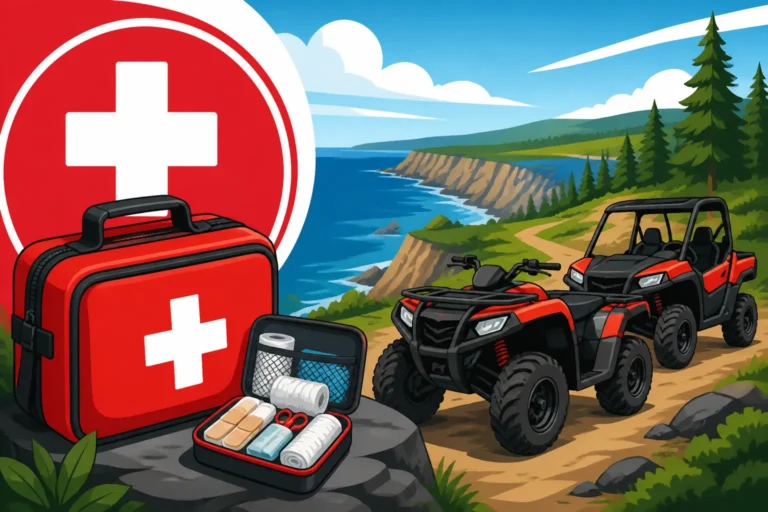
A useful first-aid kit, basic repair tools, warm layers, and water remain essential even when you carry a messenger. For a practical packing checklist focused on remote terrain, see First Aid on a Remote Coastal Loop. Satellite communication can help you ask for assistance; it cannot repair a machine, keep someone warm, or treat an injury on its own.
Review the plan after the ride
Once you are back in service, tell your contact that the group has finished safely. If you changed your route or returned later than planned, close the loop with a clear update instead of assuming the person at home will hear about it from someone else.
After a difficult outing, take a few minutes to assess what worked. Was the messenger easy to reach? Did the contact understand the check-in messages? Did the battery last, and did everyone know how to use the device? A small adjustment—such as moving it to a more accessible pocket or writing down the route plan—can make the next trip less stressful.
For every remote Highlands ride, combine communication with sensible preparation: check the route, carry the essentials, ride within your group’s ability, and let someone know when you expect to return. A satellite messenger is most helpful when it is ready before you need it and supported by a plan everyone understands.
Disclaimer
This article is for general informational purposes only and does not constitute professional advice. Laws, prices and regulations vary by location and change over time. Consult a qualified professional for guidance on your specific situation.